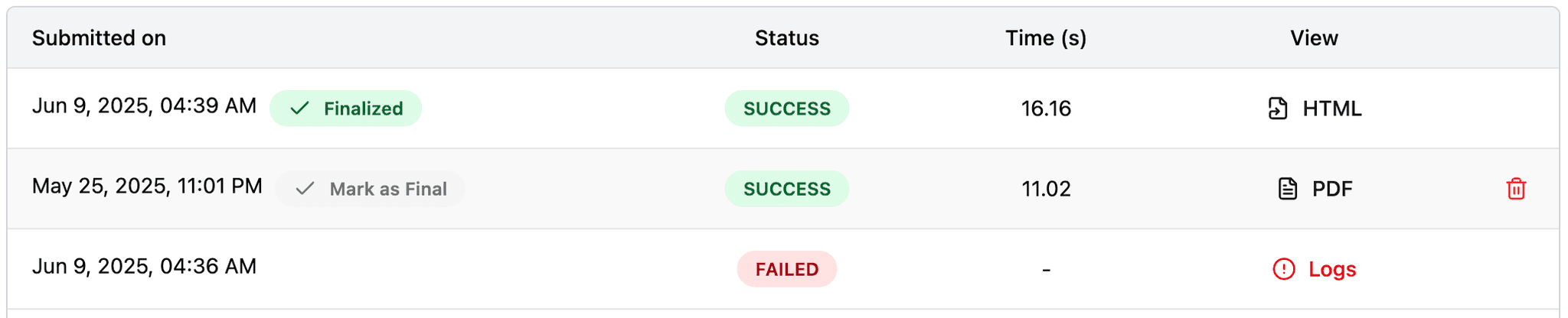
You are viewing the 2025 archive. Submissions for this year are closed.Go to 2026 →
How to Submit (2025) — Archived
The 2025 submission server is closed. This guide is preserved for reference.
READMEPlease check the README for detailed guideStep 1: Clone the Template
Go to the mini-challenge template GitHub repository and either download it or clone it to your local machine:
git clone https://github.com/demoPlz/mini-template.gitstudio/ folder. The submission/ folder is what you submit.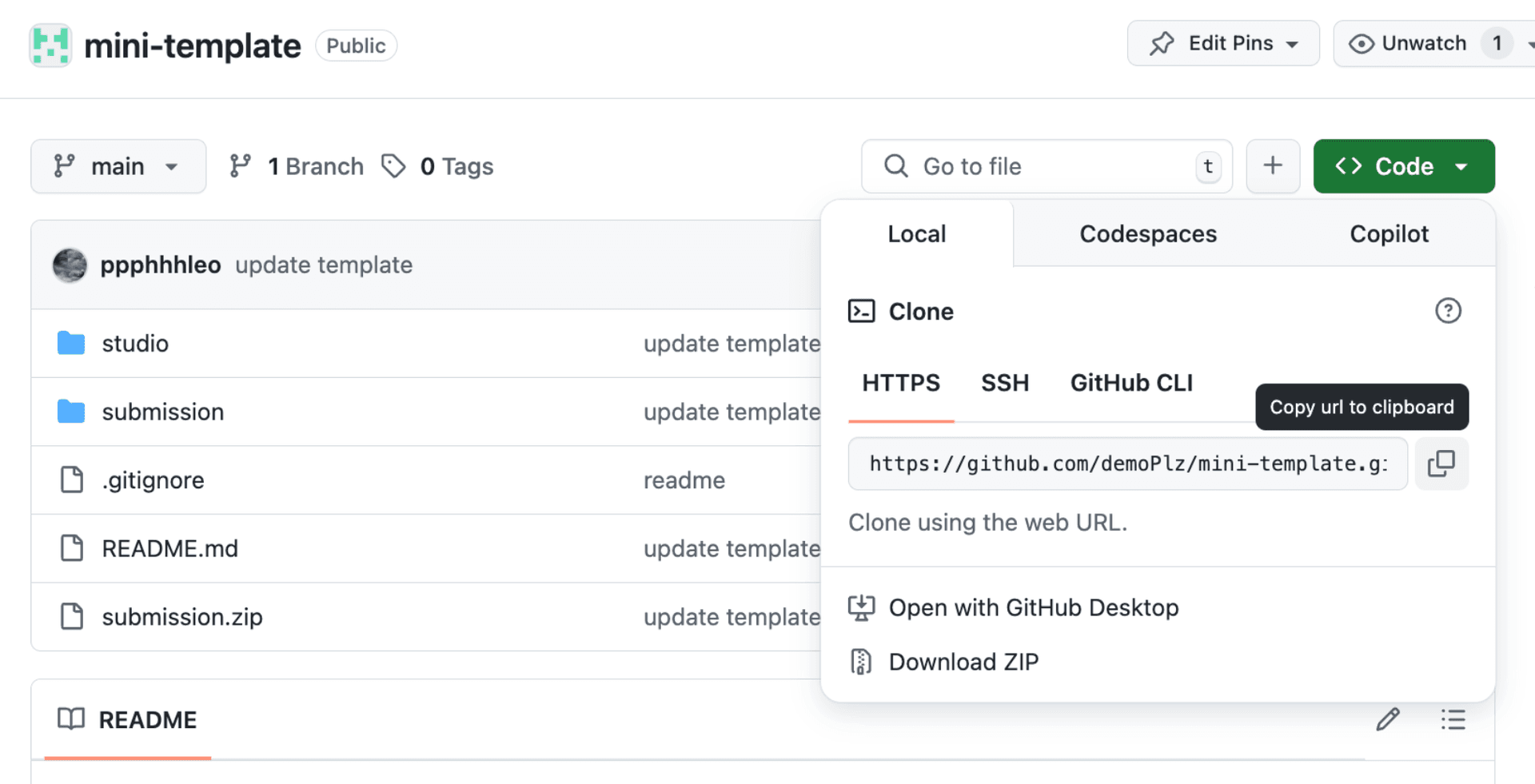
Step 2: Prepare Your Submission Zip
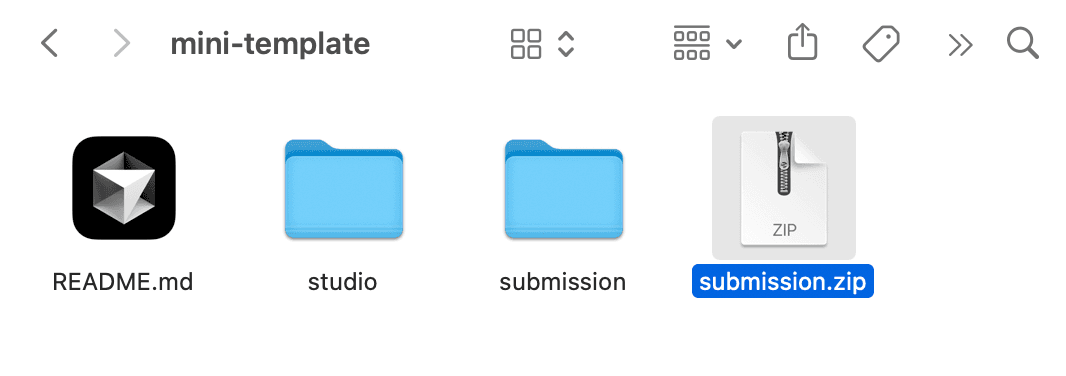
Copy agent.py, requirements.txt and all supplimentary files to the submission/ folder. Compress your submission folder into submission.zip:
Step 3: Register or Log In (closed)
Registration and sign-in for the 2025 challenge are no longer available.
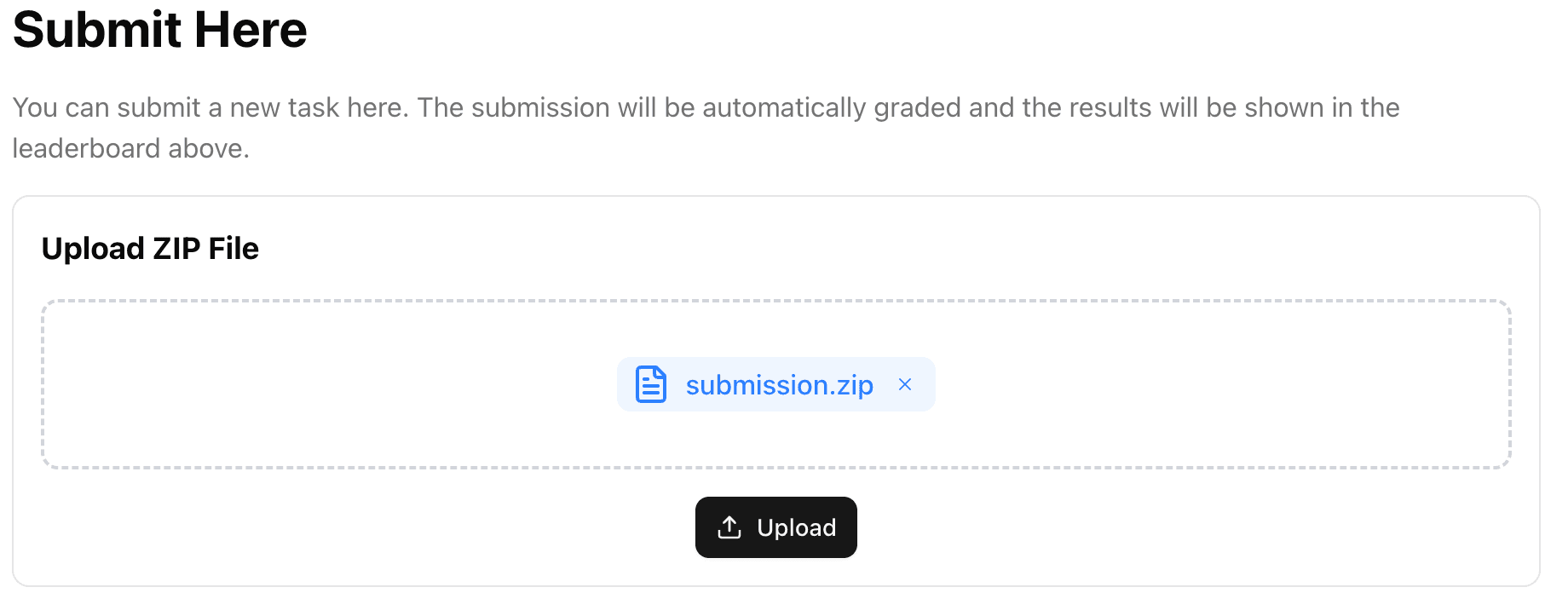
Step 4: Upload Your Submission (closed)
The 2025 submission upload is closed.
Step 5: Manage Your Submissions (closed)
Submission management for 2025 is closed; the public leaderboard remains visible on the2025 overview.